How do I convert a Word document to PDF?
Your resume looks perfect in Word. On their phone it falls apart.
Drop your .docx file into the Word to PDF tool, press Convert to PDF, then press Download PDF.
The text stays real text, so people can select and search it. Nothing is uploaded, and there is no watermark.
Your resume looks perfect in Word. Then it lands on a hiring manager's phone and every line jumps around. A PDF looks the same everywhere, and you can make one without opening Word again.
3 steps and you are done
Drop in the Word file that has to look right
Open the Word to PDF tool. Drag in your .docx file, or click the box to pick it. The limit is 25 MB.

Press Convert to PDF
You will see your file name and its size. Press the orange button. A normal letter takes a few seconds.

Download the version that looks the same everywhere
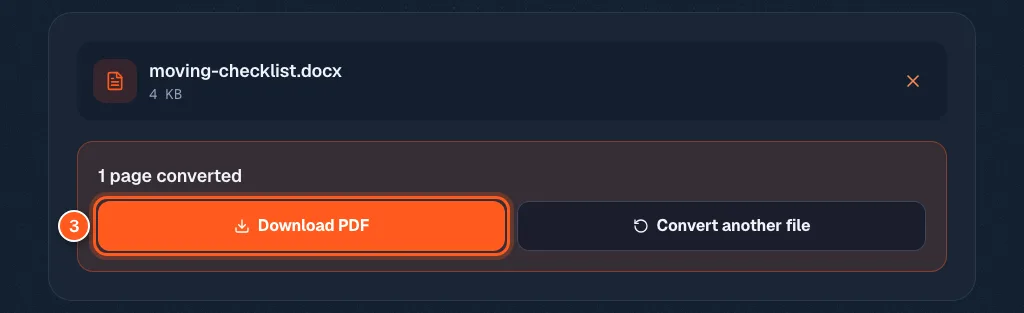
The box says how many pages were converted. If anything could not be converted, it tells you here in plain words. Press Download PDF and you are done.