
How do I make a PDF smaller so I can email it?
Your PDF is too big to email. Here is what really shrinks it (and what will not)
Drop your PDF into the compress tool and press Compress PDF. It shows the old size and the new size before you download anything.
It never makes your pictures blurrier. So some files get a lot smaller, and some barely change.
You hit send and the email bounces: attachment too large. Annoying, and it always happens at the worst time. Shrinking the file is quick, and we will be straight about when it will not work.
4 steps and you are done
Add the PDF that bounced
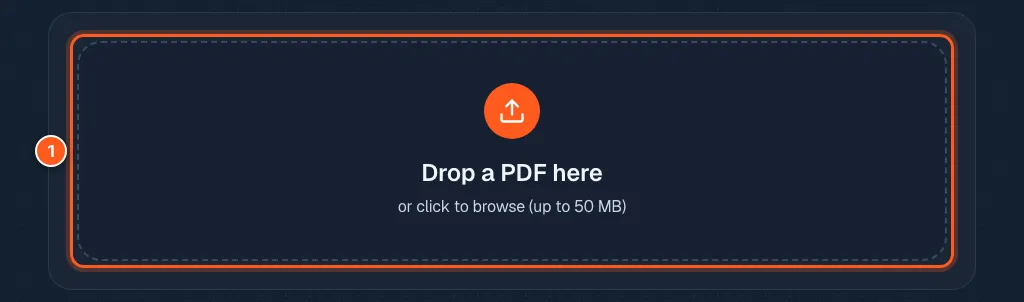
Go to the compress tool and drop your file in the box, or click the box to pick it. Files can be up to 50 MB. The file is opened in your browser, not uploaded.
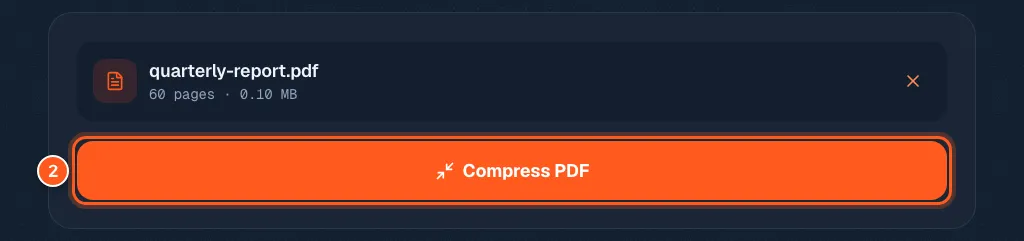
Press the button and let it squeeze
One button. Press it.
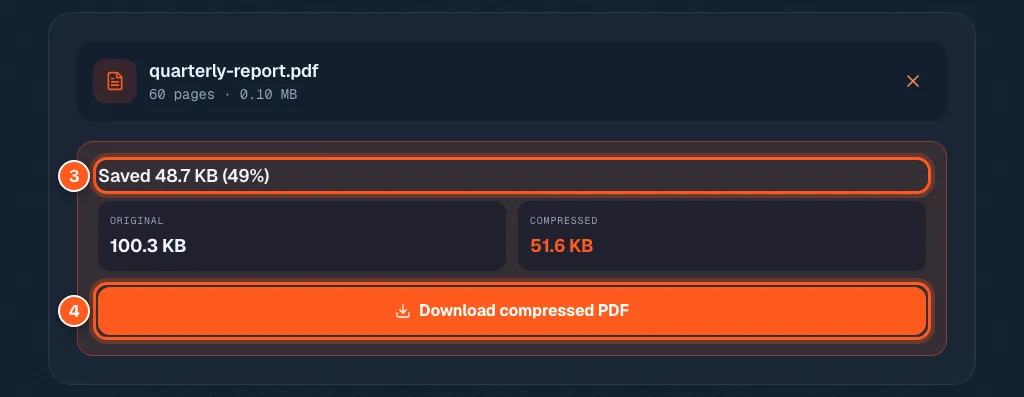
Check the before and after sizes, then download
You will see the original size and the new size. In our test file it said Saved 48.7 KB (49%).
Happy with it? Press Download compressed PDF. If it says the file is already compact, the tool is telling you the truth. Keep your original and try the ideas below.
Still too big? Try these before you give up
Most email services stop at about 20 to 25 MB.
Cut pages you do not need with the delete pages tool. Split the file in two with the split tool and send two emails. If the PDF is made of phone photos, make the photos smaller before you build the PDF.