How do I fill out a PDF form that was emailed to me?
Can't type in that PDF form? Here is how to fill it in anyway
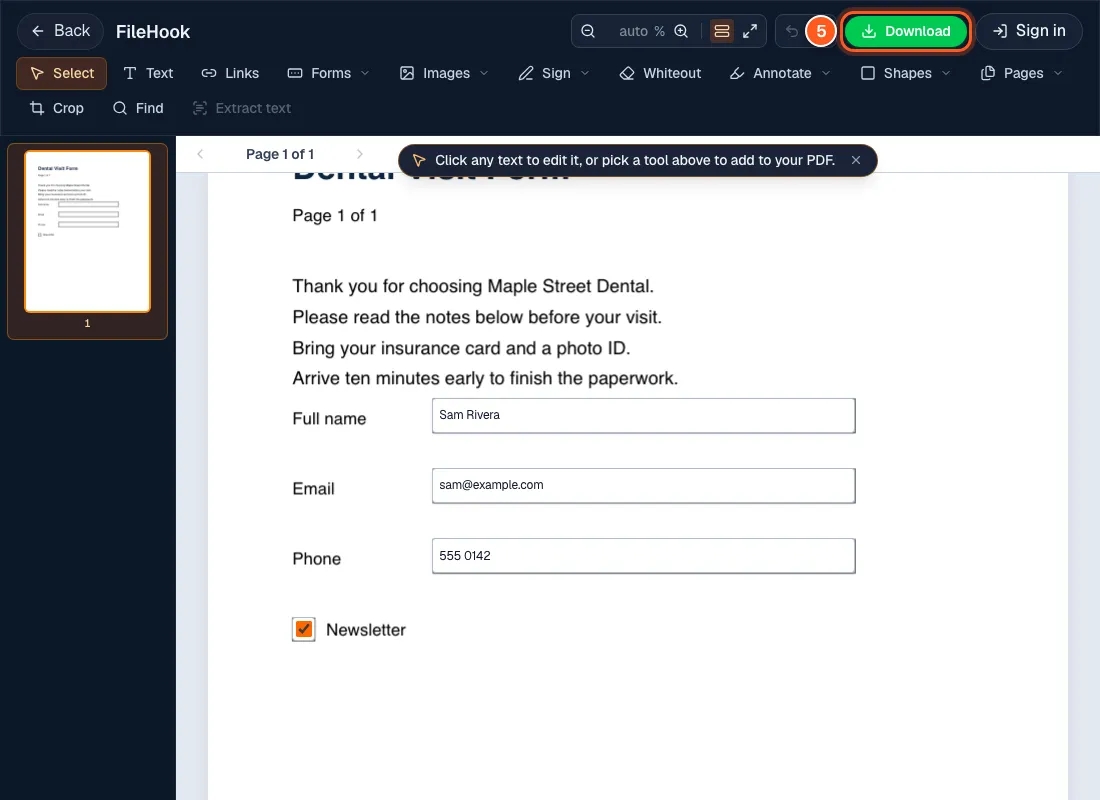
Open the form in FileHook, click each blank, and type your answer. Press Tab to jump to the next one, then press Download.
If the blanks are not clickable, use the Text tool and click on the line to type there.
The clinic, the school or the landlord sends a PDF and wants it back by tonight. You do not own a printer, and the blanks will not even let you type. You can fill the whole thing in right now.
4 steps and you are done
Open the form straight from your email
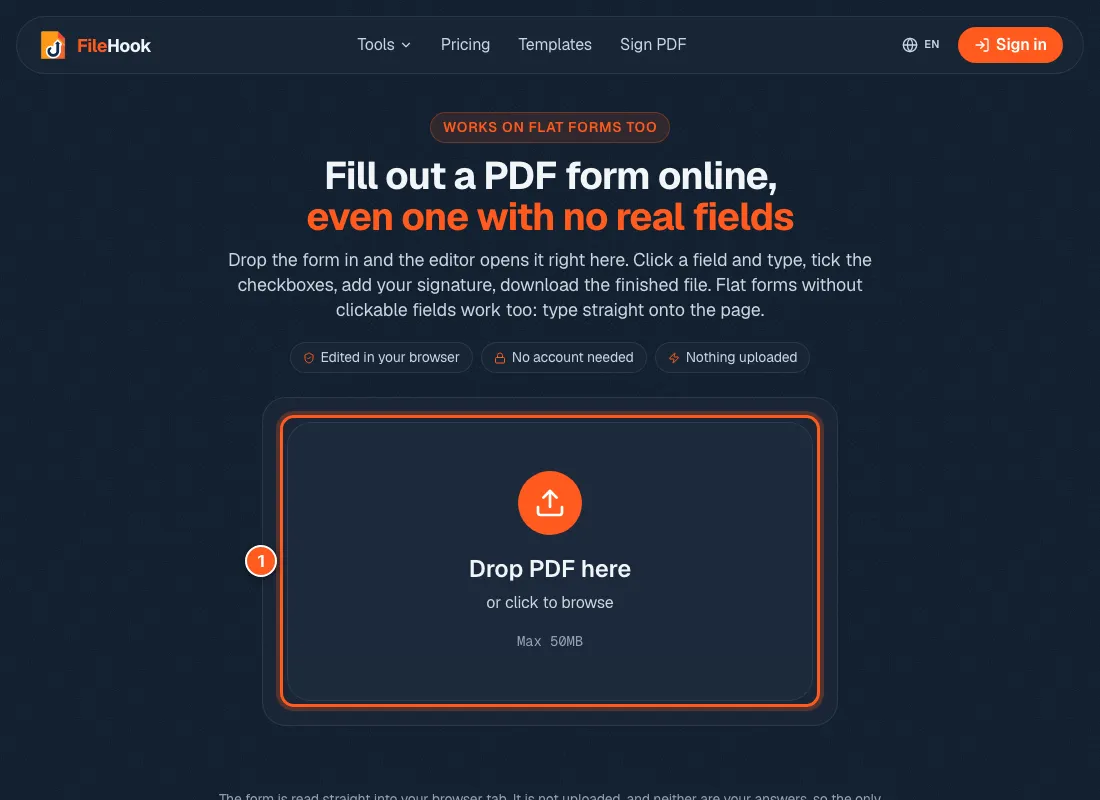
Go to the fill PDF form page. Drop the PDF in the box, or click the box and pick it. The editor opens with your form on screen.
Click each blank and just type
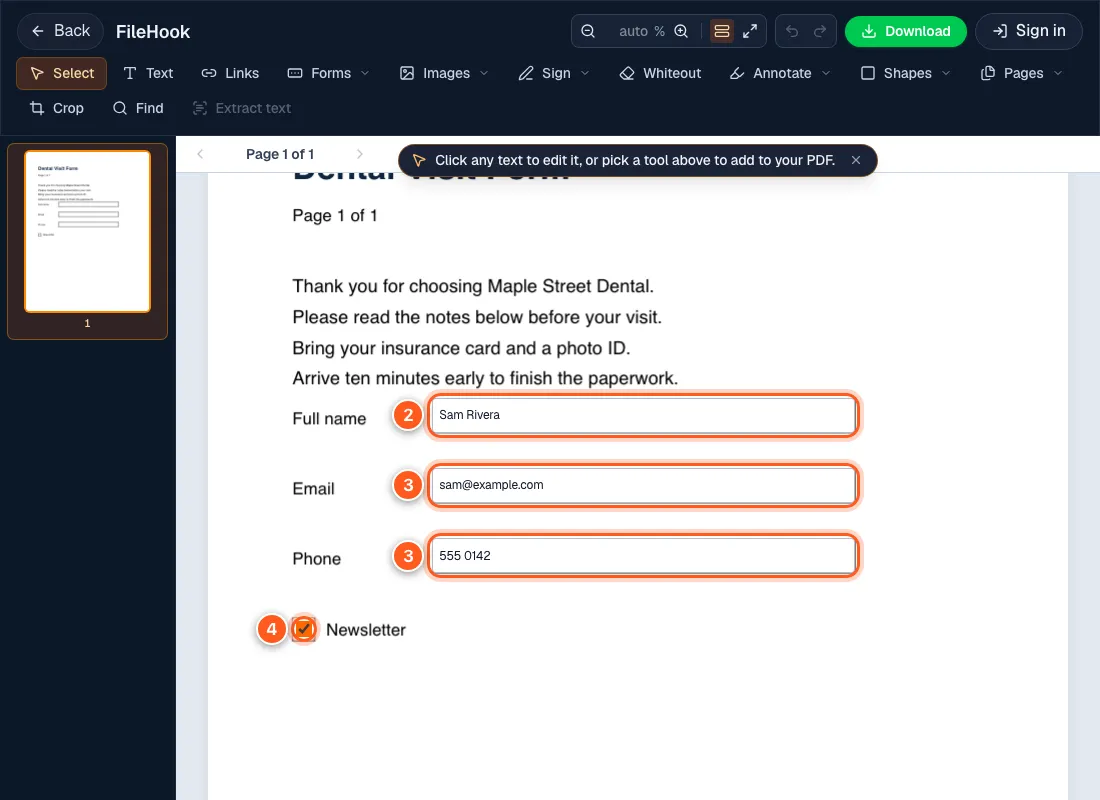
Click the first blank and type. Press Tab to go to the next one. Click a box to tick it.
Is the blank a plain line that does not react when you click? Some forms are just a picture of a form. Pick the Text tool in the top bar, click on the line, and type there.
Sign it if it asks for a signature
Open the Sign menu and make a signature. We show every step in our post on signing a PDF on your phone. It works the same on a computer.
Download it and send it back
Press the green Download button at the top. Your answers are saved inside the PDF, so it looks the same in any reader. Open the file once and check it before you send it.