How do I remove the password from a PDF?
Tired of typing the same PDF password? Take it off for good
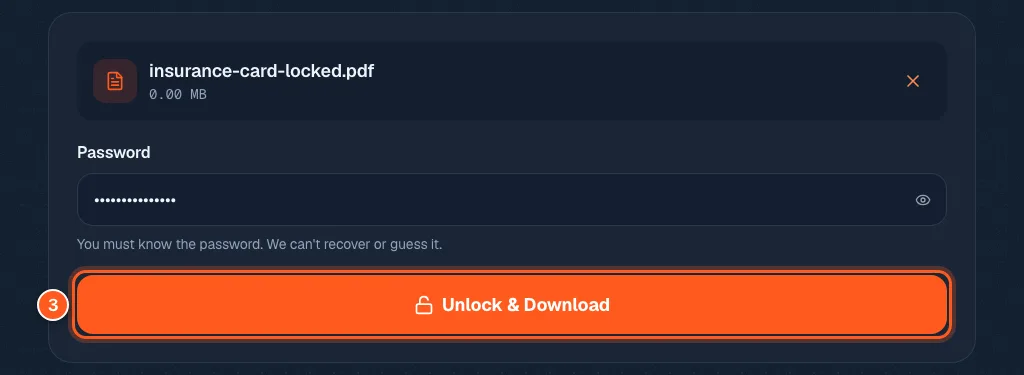
Open the Unlock PDF tool, drop your file in, type the password, and press Unlock & Download.
You must already know the password. This tool cannot guess or recover one.
Every single time you open that statement, you type the same password. Or you need to send the file to someone who does not have it. If you know the password, you can make a copy that never asks again.
3 steps and you are done
Add the locked PDF
Open the unlock tool. Drop your file in the box, or click to browse. The tool checks that the file really is locked.

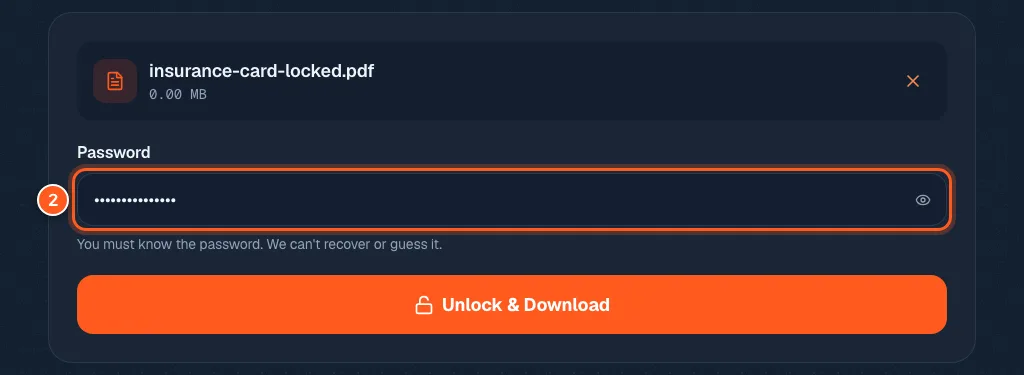
Type the password you already know
Type the password the PDF was locked with. Use the little eye icon if you want to check what you typed. It is never saved or sent anywhere.
Download a copy that opens with no questions
Press the orange button, or hit Enter. A new copy downloads, with -unlocked added to the name. Open it. It should not ask for a password. Your original locked file is still on your computer, unchanged.