
Why can't I edit a PDF?
Click, type, nothing happens: the 4 reasons your PDF will not edit, and the fix for each
Most of the time it is one of four things: the file has a password, it is a scan (a photo of a page), it is a form, or the app you are using can only view PDFs.
Each one has a fix. Here is how to tell which one you have.
You click on the text and nothing happens. It feels like the file is broken, or like you are. You are not, and the file usually is not either. It is almost always one of four things, and each has a fix.
5 steps and you are done
Is a password blocking you?
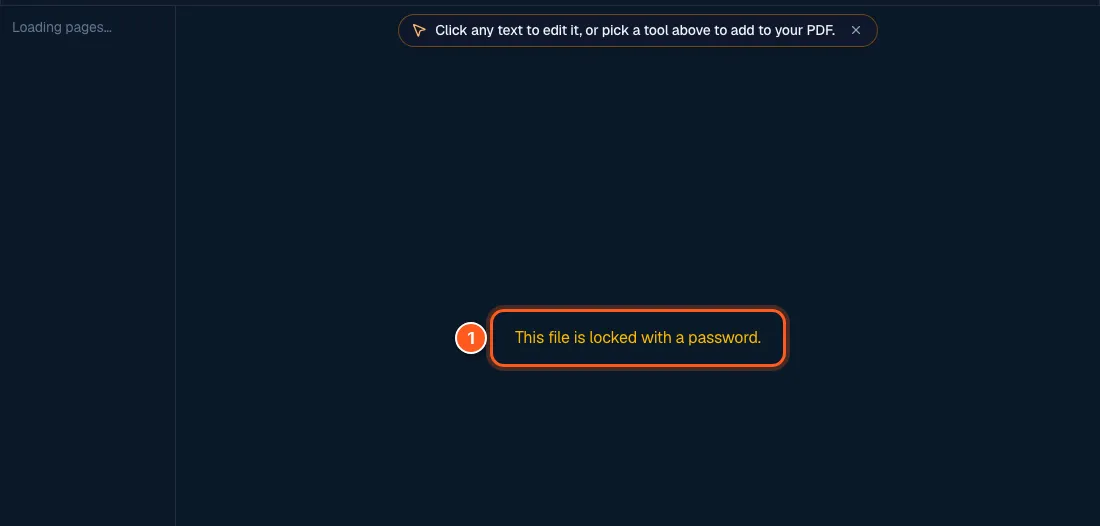
A locked PDF cannot be opened for edits. In FileHook you will see a message like this one.
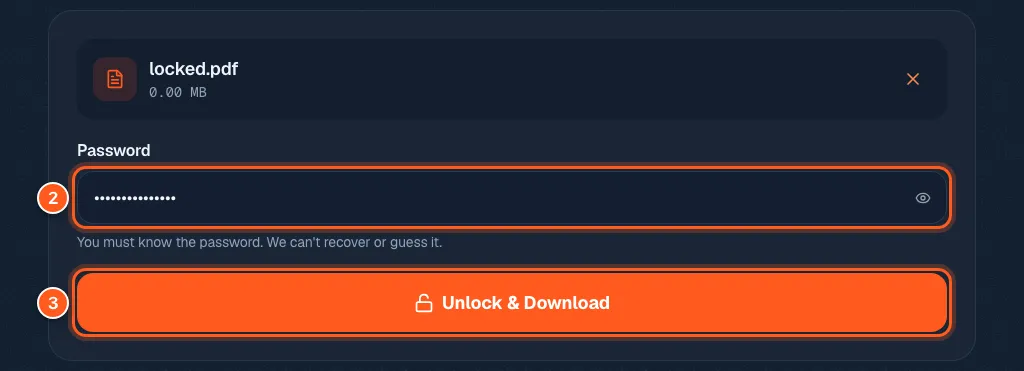
The fix: use the unlock tool, type the password, and download a copy with the lock removed. You must know the password. We cannot guess or recover it. If you forgot it, ask whoever sent you the file.
Is it real text? Then just click it
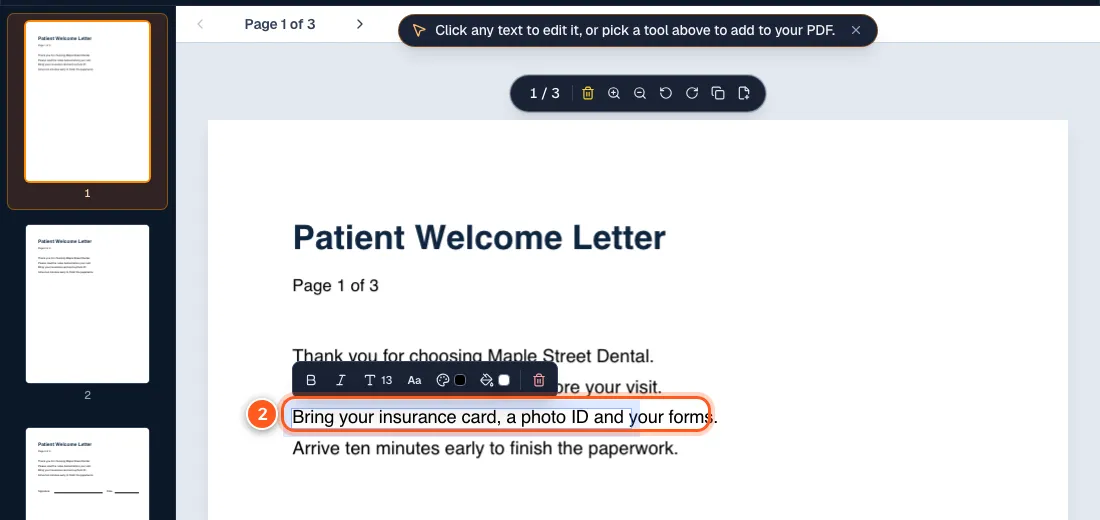
If the PDF was made on a computer, the text is real. Open it in the PDF editor, click a line, and type. Fonts and layout stay where they were.
One honest limit: you change one line at a time. If you add a lot of words, the line gets longer. It does not wrap to the next line like it would in a Word file.
Is it a scan? Then it is only a picture
A scan or a photo of paper has no text in it. It only looks like text. You cannot click a word because there are no words.
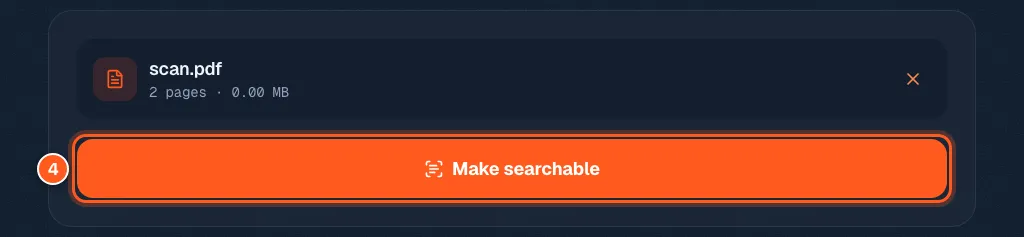
The fix: run the OCR tool and press Make searchable. It reads the picture and adds real text. The tool is free and it works on English text. After that you can edit the file.
Is it a form? Then it works differently
Forms are made to be filled in, not rewritten. Use the fill PDF form page. It works even when the blanks are not clickable.
Is your app a viewer in disguise?
Many apps, and the preview in your email or browser, only let you look at a PDF. Open the file in the FileHook editor instead. It runs in your browser, so there is nothing to install.