How do I split a PDF into separate files?
Stop sending the whole PDF when they only need page 3
Open the Split PDF tool, drop your file in, pick By ranges, Every N pages or Each page, and press Split PDF. Then download each part, or press Download all.
Your original file is never changed. You get new files next to it.
One huge PDF, and you only need a few pages. Or ten people each need their own page. Do not print it and cut it with scissors. Split the file and keep the original safe.
4 steps and you are done
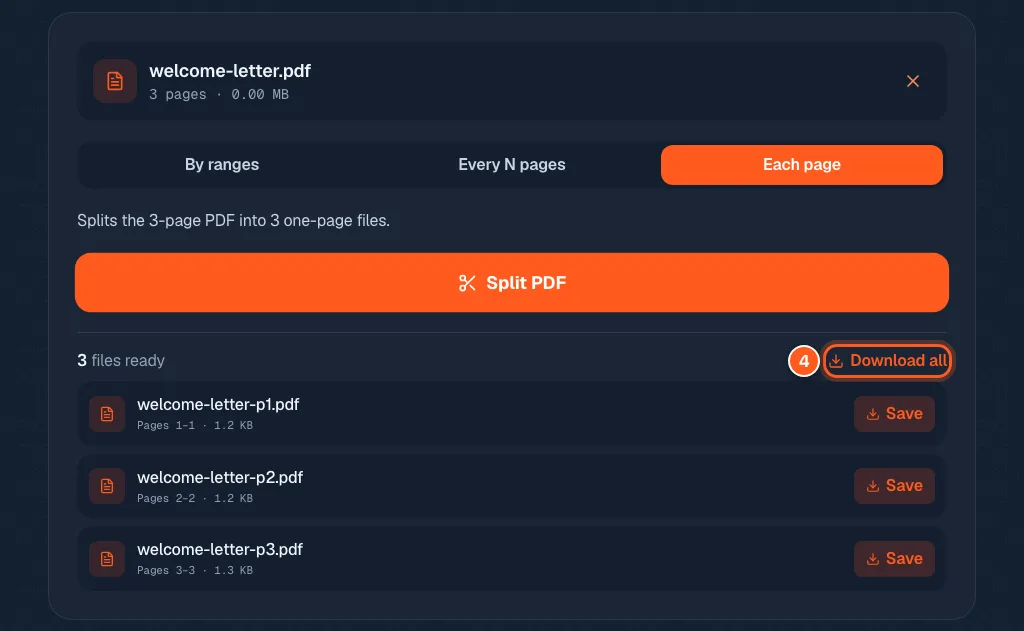
Drop in the big PDF
Go to the split tool and drop your file in the box, or click to browse. It opens in your browser and shows the page count.
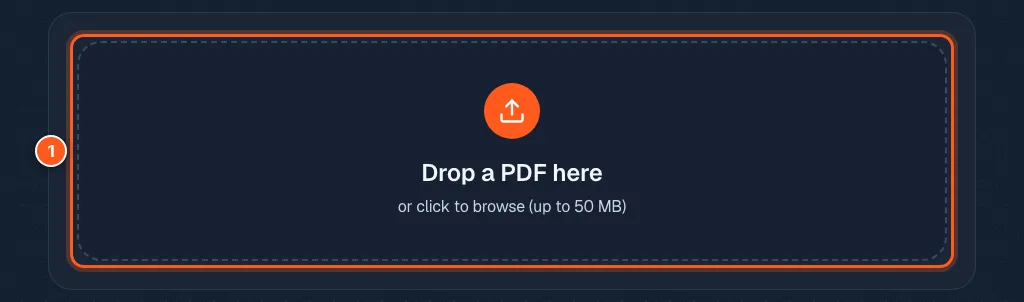
Decide how to cut it up
By ranges: type pages like 1-3, 4-7, 9. Each range becomes its own PDF.
Every N pages: good for equal chunks, like two page invoices.
Each page: one file per page. In our test, a 3 page file became 3 files.
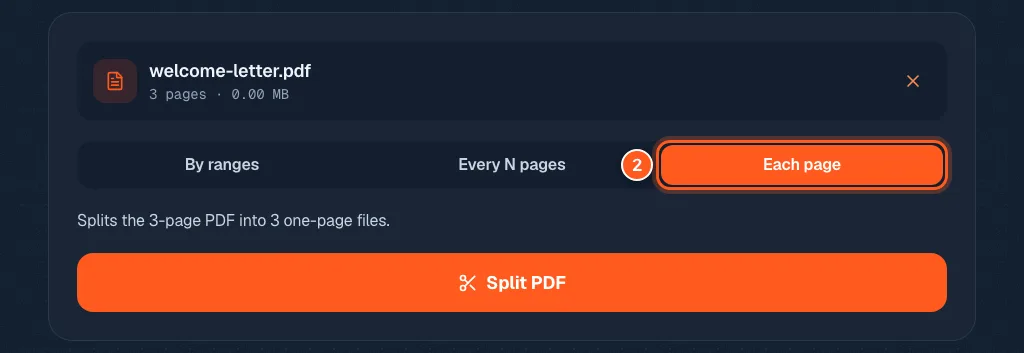
Press Split and let it slice
The big orange button. It takes a second or two.
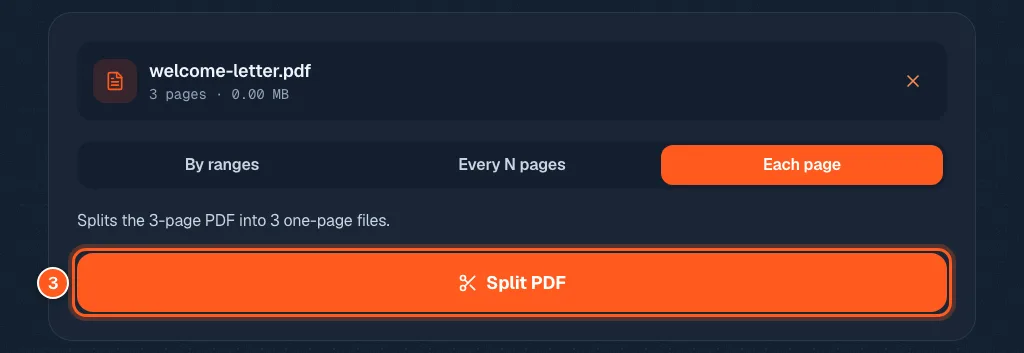
Grab only the pieces you need
Each file gets its own Save button and a name with its pages in it, like welcome-letter-p2.pdf. Or press Download all to take every part at once.