How do I merge PDF files into one?
Stop emailing five attachments. Merge your PDFs into one.
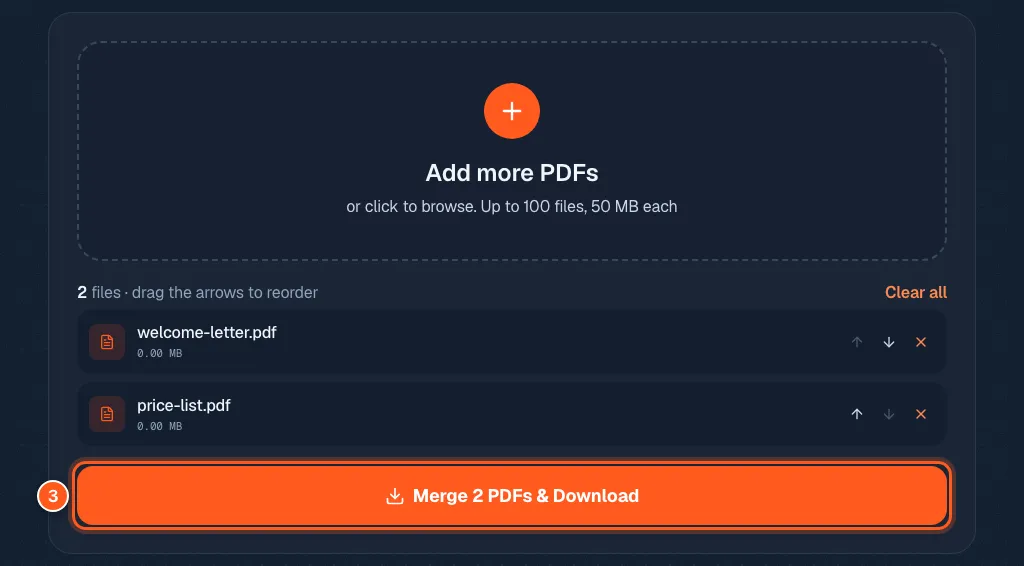
Drop all your PDFs into the merge tool, put them in the order you want with the arrows, and press Merge & Download.
You get one PDF. You can merge up to 100 files at once, each up to 50 MB.
A contract here, a receipt there, a cover letter hiding in another email. Sending five files makes you look disorganised, and the person reading has to open every one. Send one file instead.
3 steps and you are done
Drop in all your PDFs at once
Open the merge tool. Drop your files in the box, or click it and pick them. You can pick many at once.

Get the order right before anyone sees it
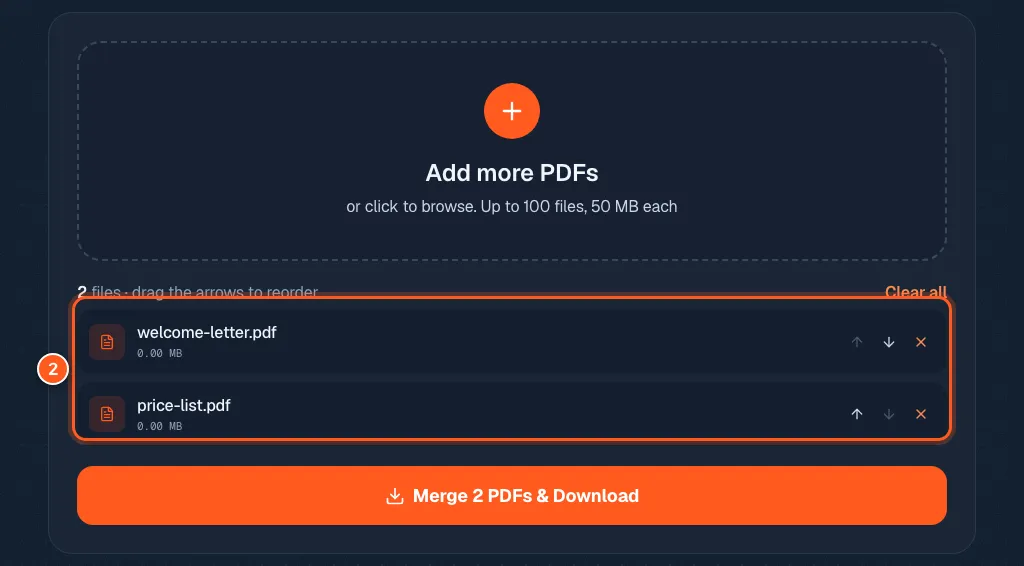
Your files are listed top to bottom. The top file comes first in the merged PDF. Use the small up and down arrows on each row to move a file. The X removes it.
Press the orange button and you are done
Press the big orange button. Your merged PDF downloads right away. Open it and flip through to check the order.