How do I rotate a PDF and save it?
You rotated your PDF. It went sideways again. Here is why.
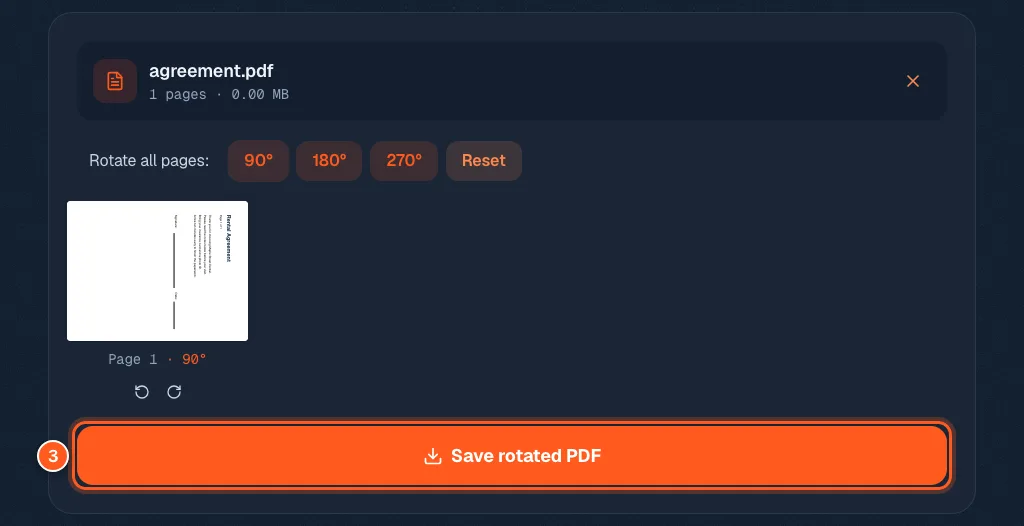
Open the Rotate PDF tool, drop your file in, click 90° (or the arrows under a single page), then press Save rotated PDF.
The turn is written into the file. So it is still the right way up when someone else opens it.
You turned the page in your viewer and it looked perfect. Then you closed the file, opened it again, and it was sideways. Again. Most viewers only turn what you see. Here is how to turn the real file.
3 steps and you are done
Add the sideways PDF
Go to the rotate tool. Drop your file on the box, or click it to browse. Up to 50 MB is fine.

Turn the whole file, or just one stubborn page
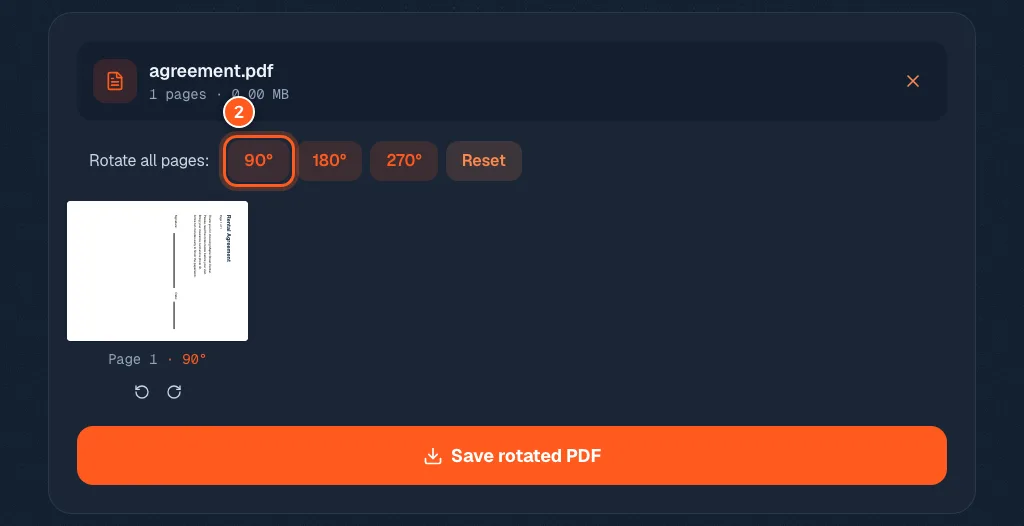
Click 90°, 180° or 270° to turn every page at once. Watch the small page picture. It turns as you click, and what you see is what gets saved.
Only one page is wrong? Use the two small arrows under that page. Left turns it a quarter to the left, right turns it a quarter to the right. Pages you do not touch stay as they were. Click Reset to start over.
Save it so it stays the right way up
The orange button at the bottom. Your corrected file downloads right away.